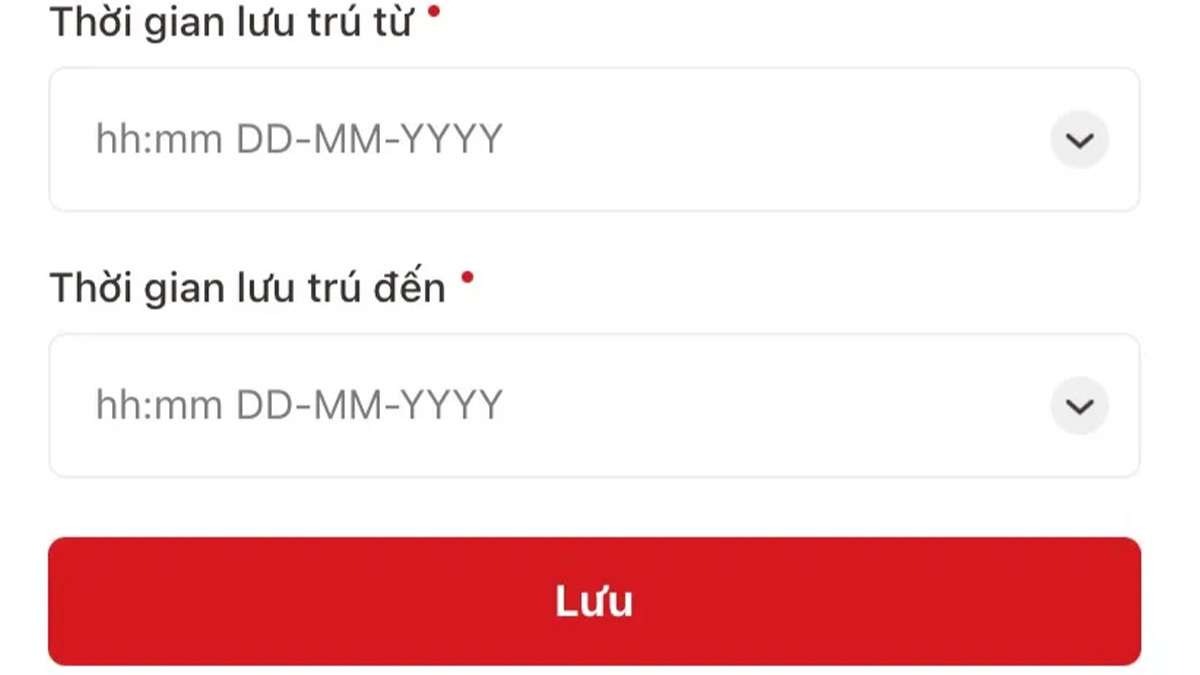
Stay notification / temporary stay declaration on VNeID is a quick way to complete the procedure. Follow these steps:

Step 1: Open Administrative procedures
Open VNeID and select “Administrative procedures”.
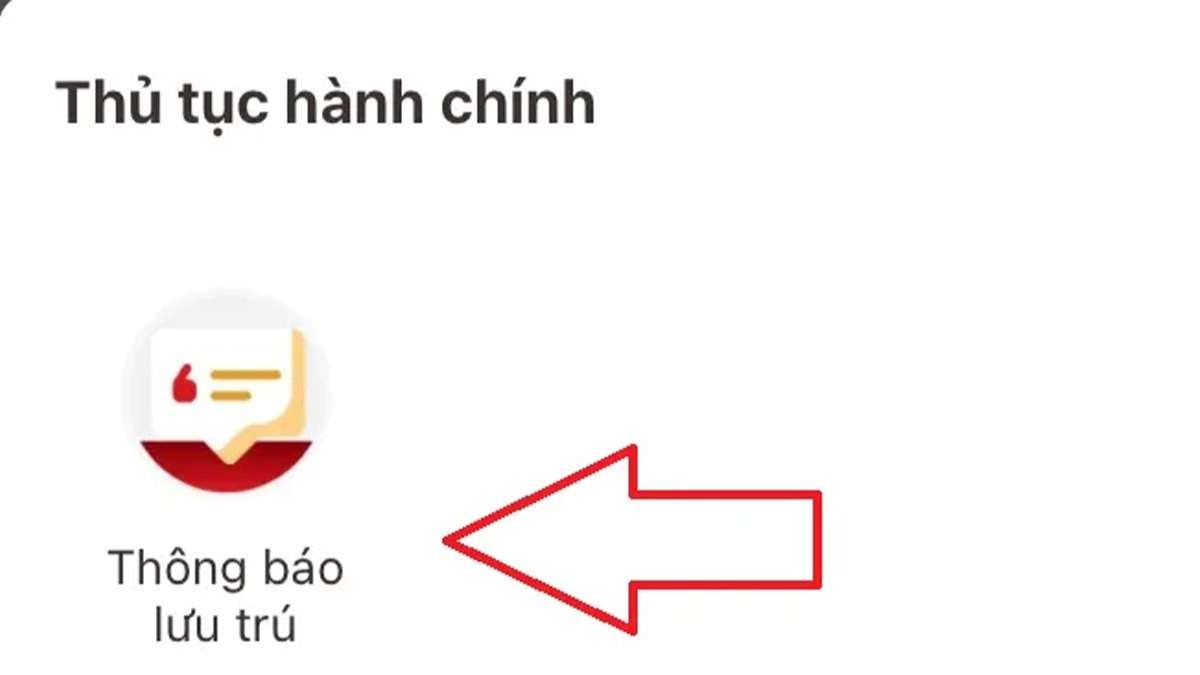
Step 2: Select “Stay notification”
In the list, choose “Stay notification”.

Step 3: Create a new request
Tap “Create new request” to start.
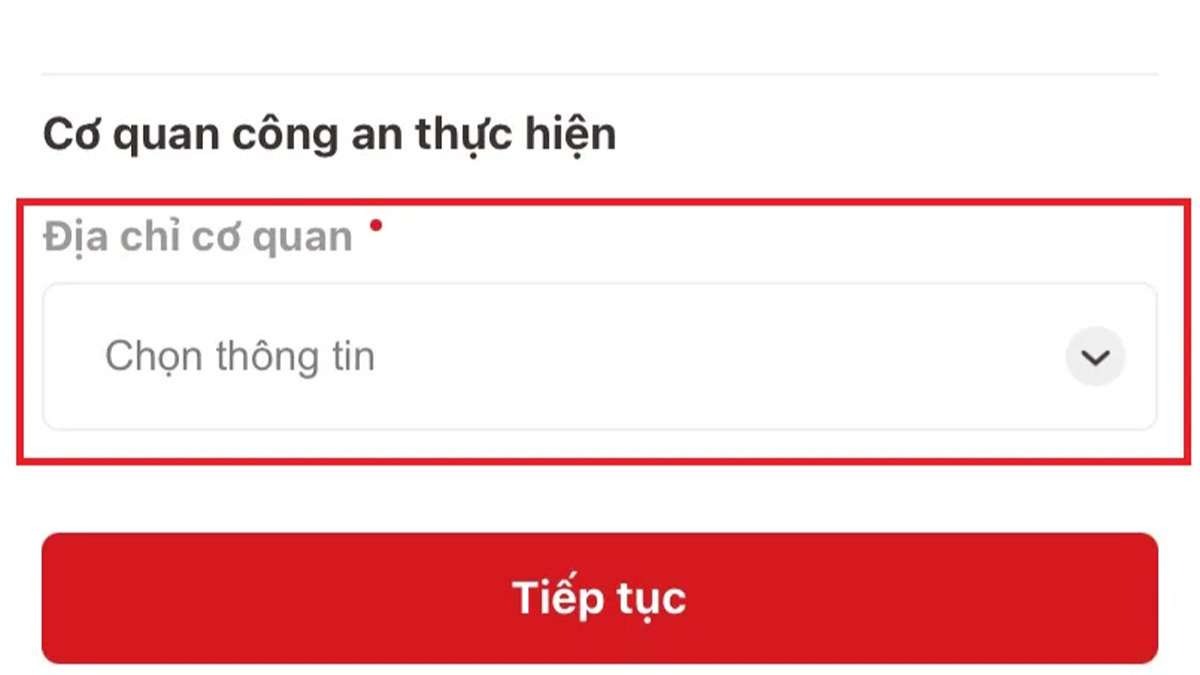
Step 4: Choose the police authority
Select province, district, and commune/ward of the stay location.
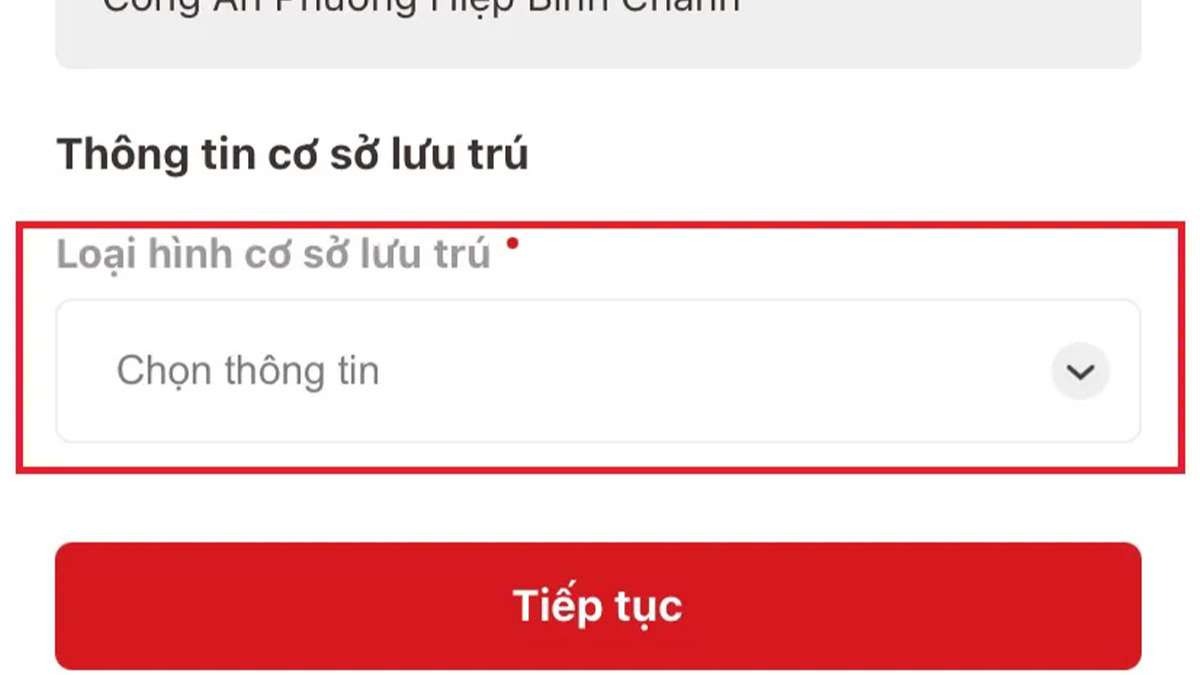
Steps 5–6: Choose stay type and facility
Pick the suitable stay facility type, then select the facility name.
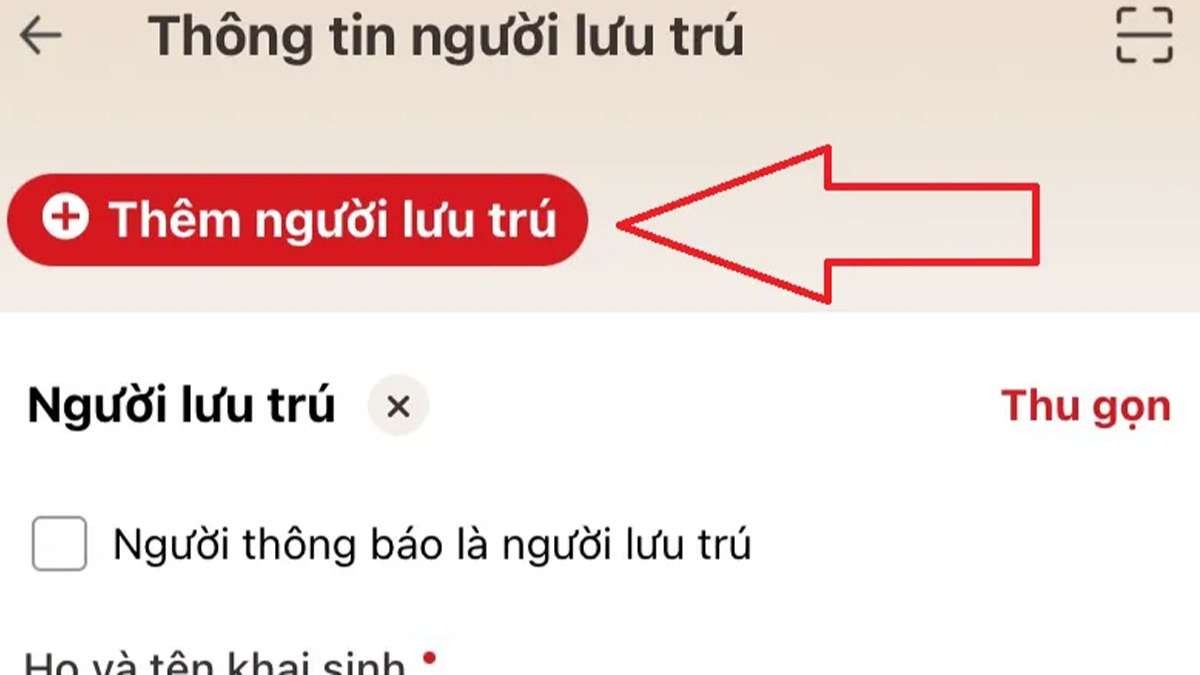
Steps 7–9: Add guests and enter details
Tap Continue. Use “Add guest” if needed. Enter stay period and address.
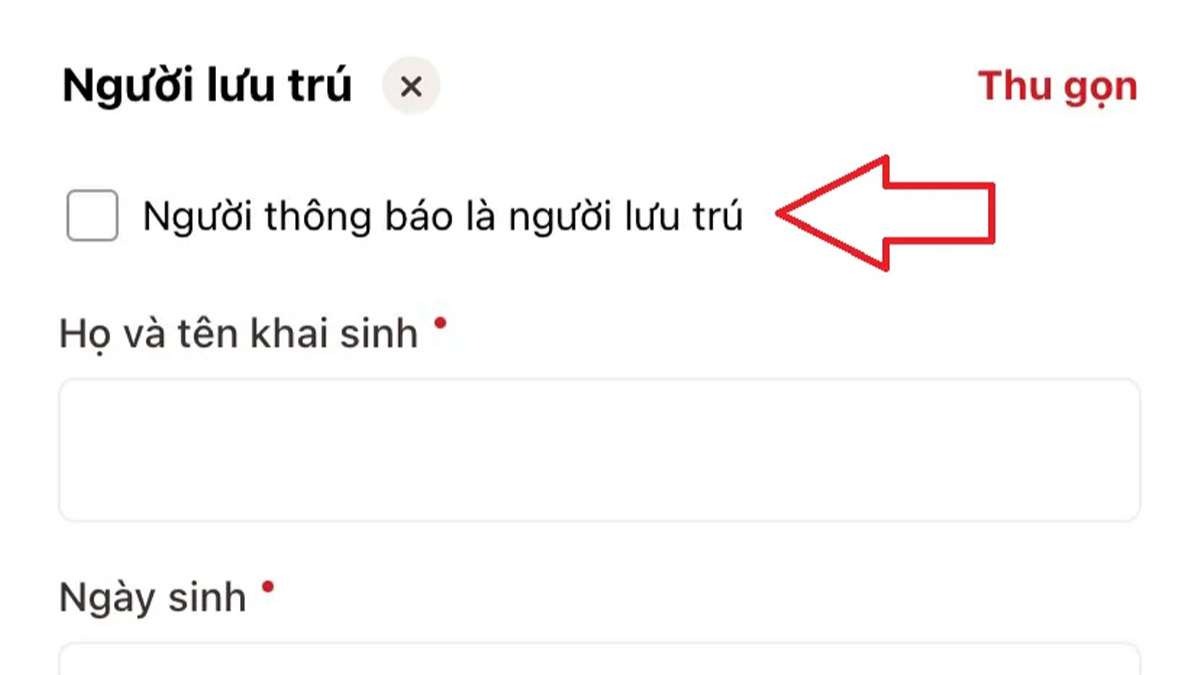
Steps 10–11: Save and submit
Tap Save, then Submit request. Review the summary before sending.