If residence information on VNeID is wrong (wrong house number, ward/commune, missing data, or not matching the national population database), you can submit a feedback request to adjust it in the app.
1. Common residence data errors
- Wrong residence address.
- Missing residence data.
- VNeID data not yet synced with the national population database.
2. How to submit an adjustment request on VNeID
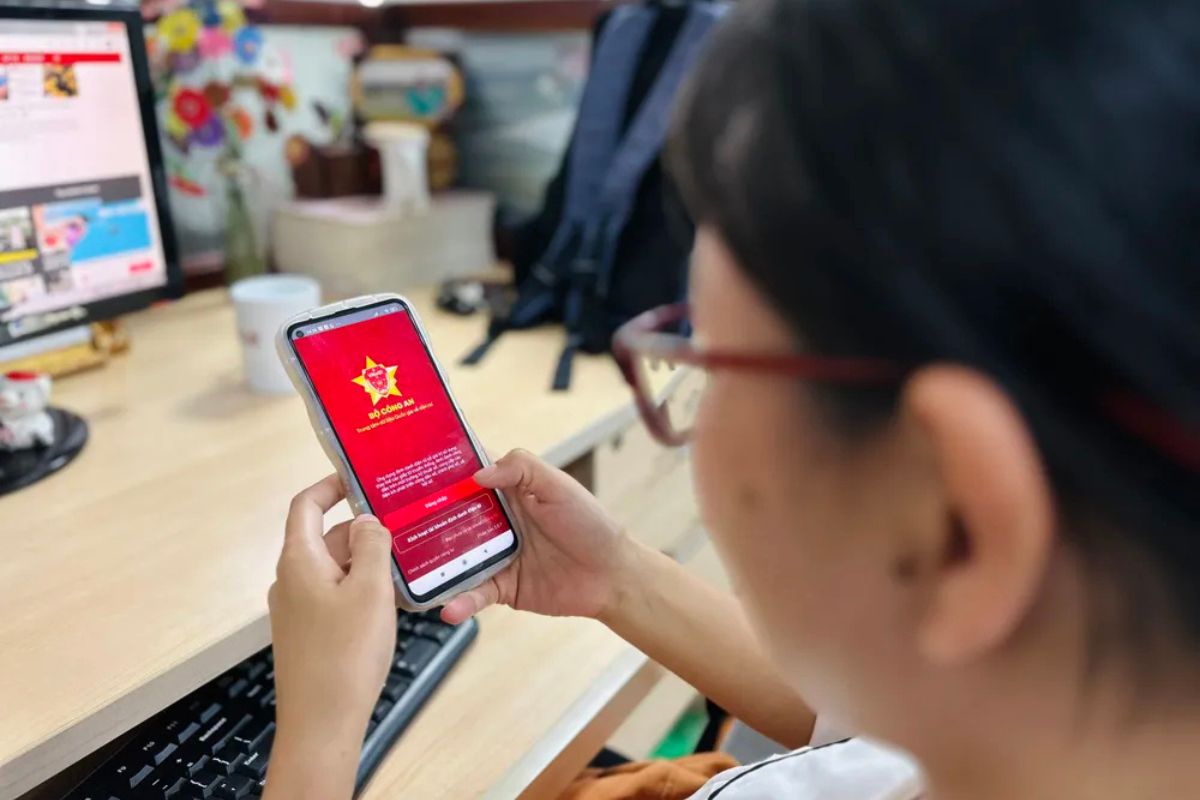
Step 1: Sign in to VNeID
Sign in with a Level-2 account, then open Settings.
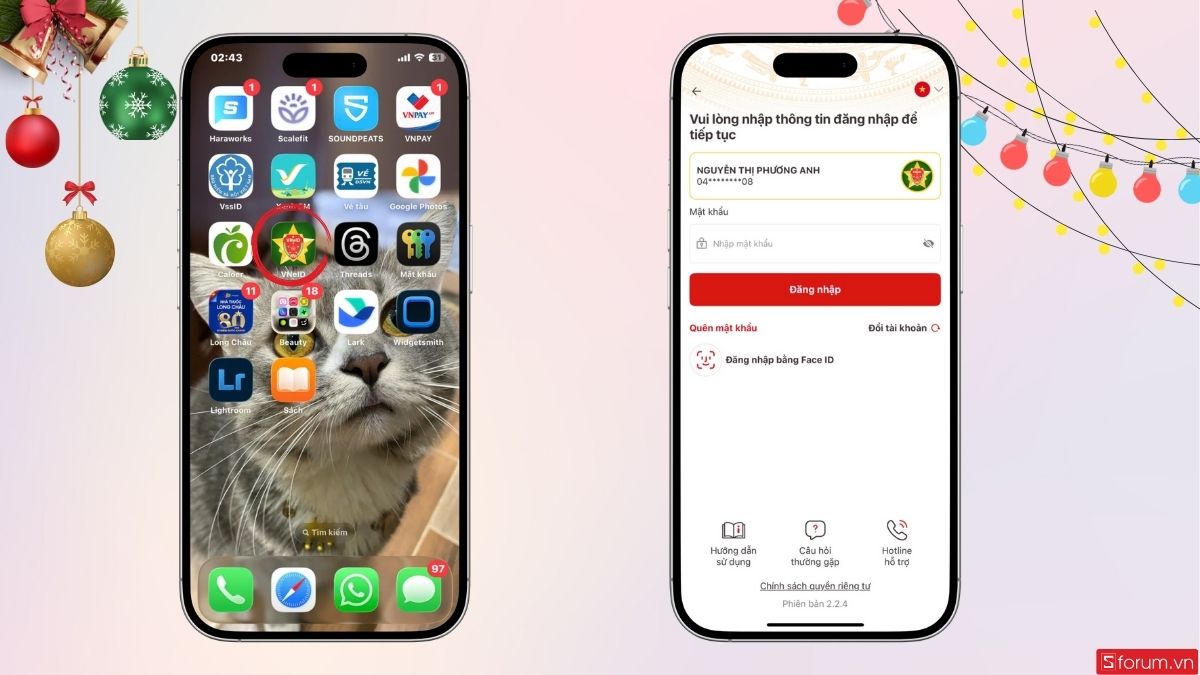
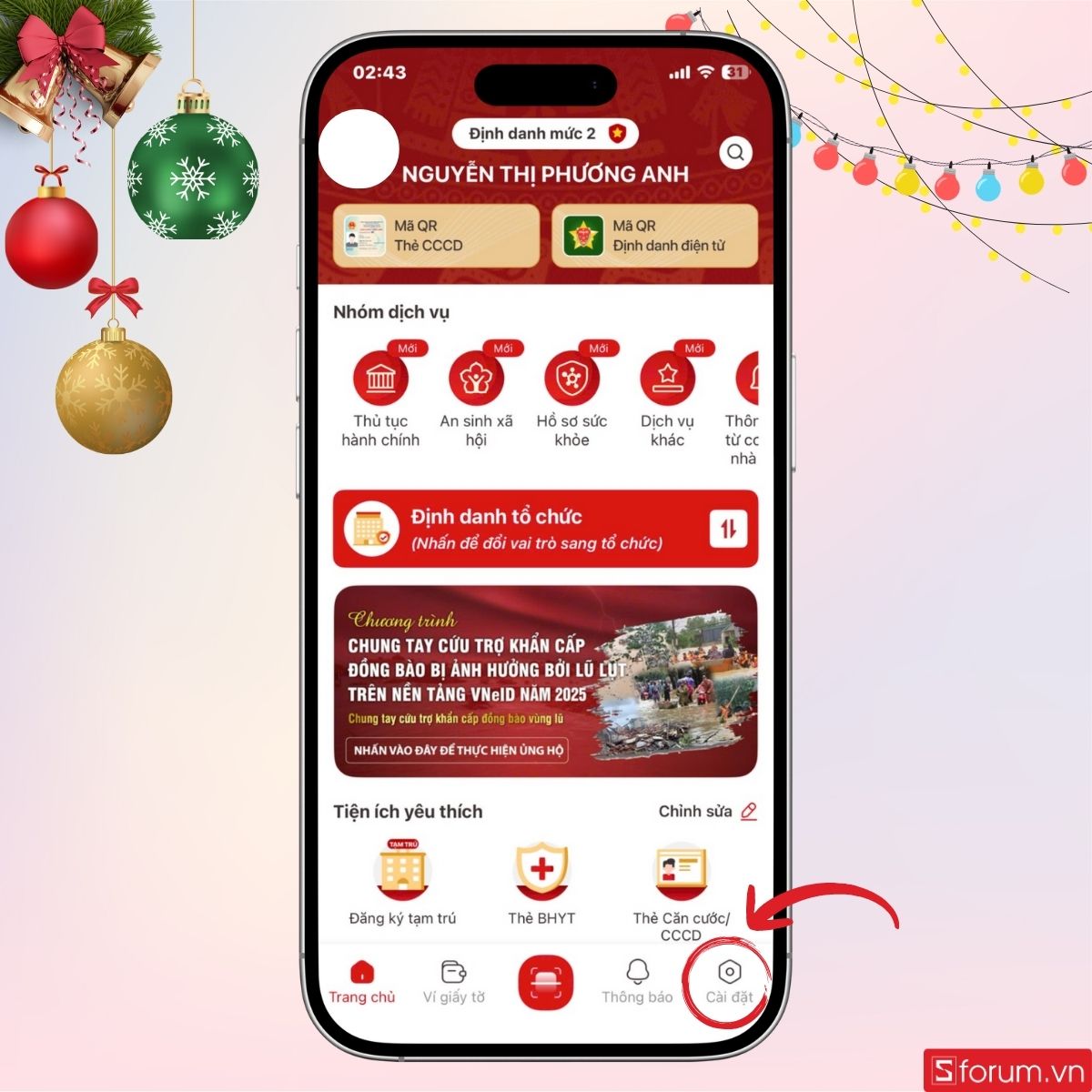
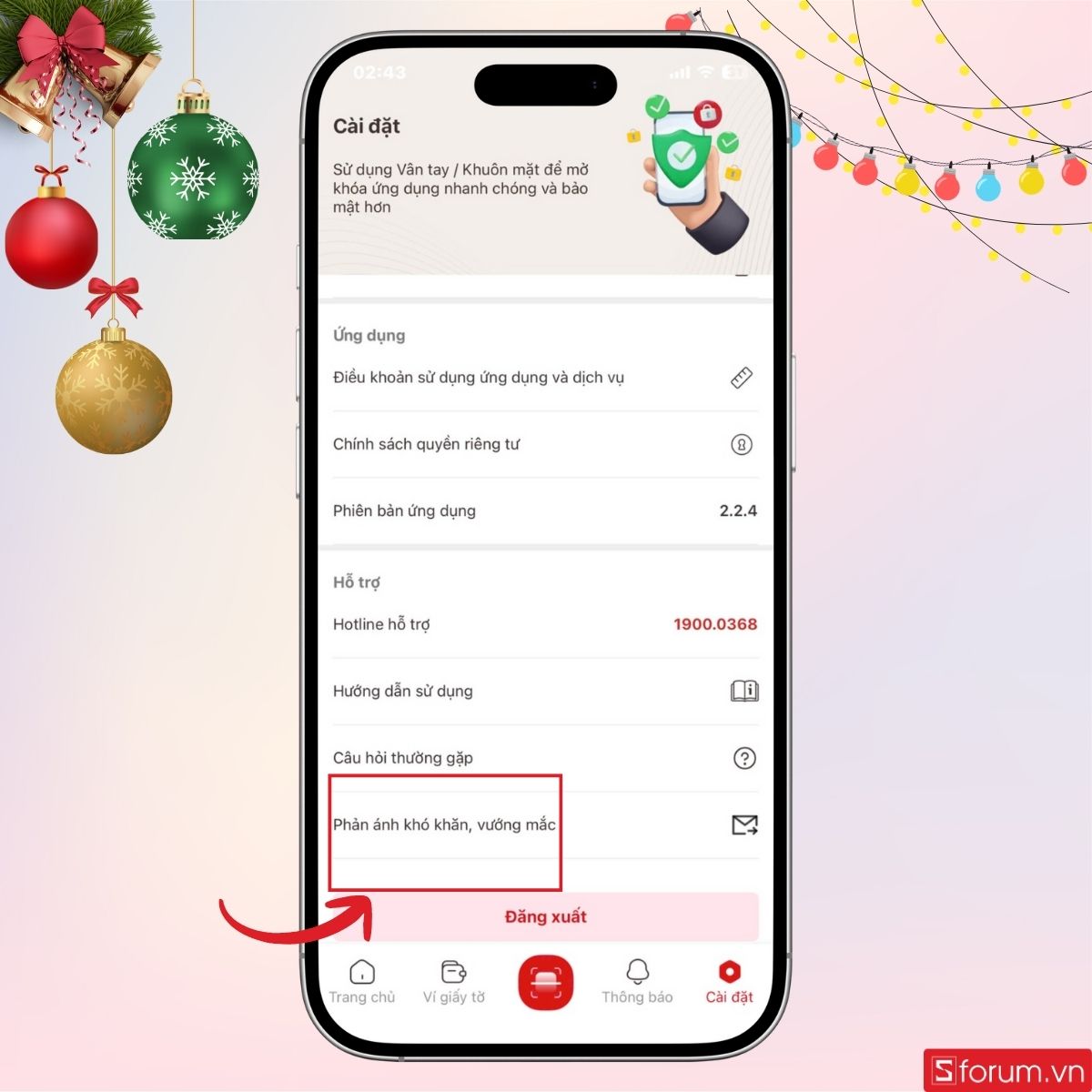
Step 2: Open feedback
Scroll in Settings and choose “Report difficulties / issues”.
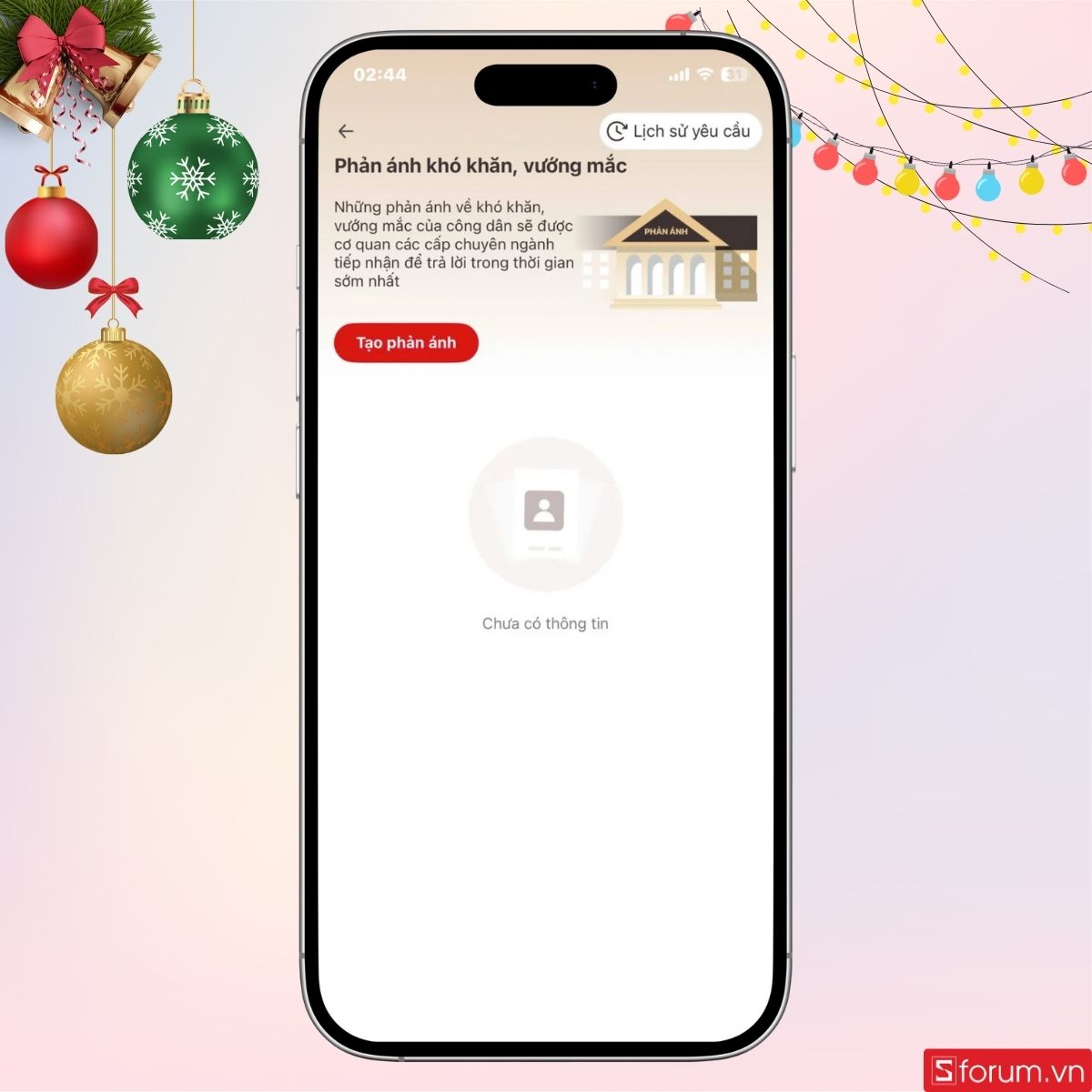
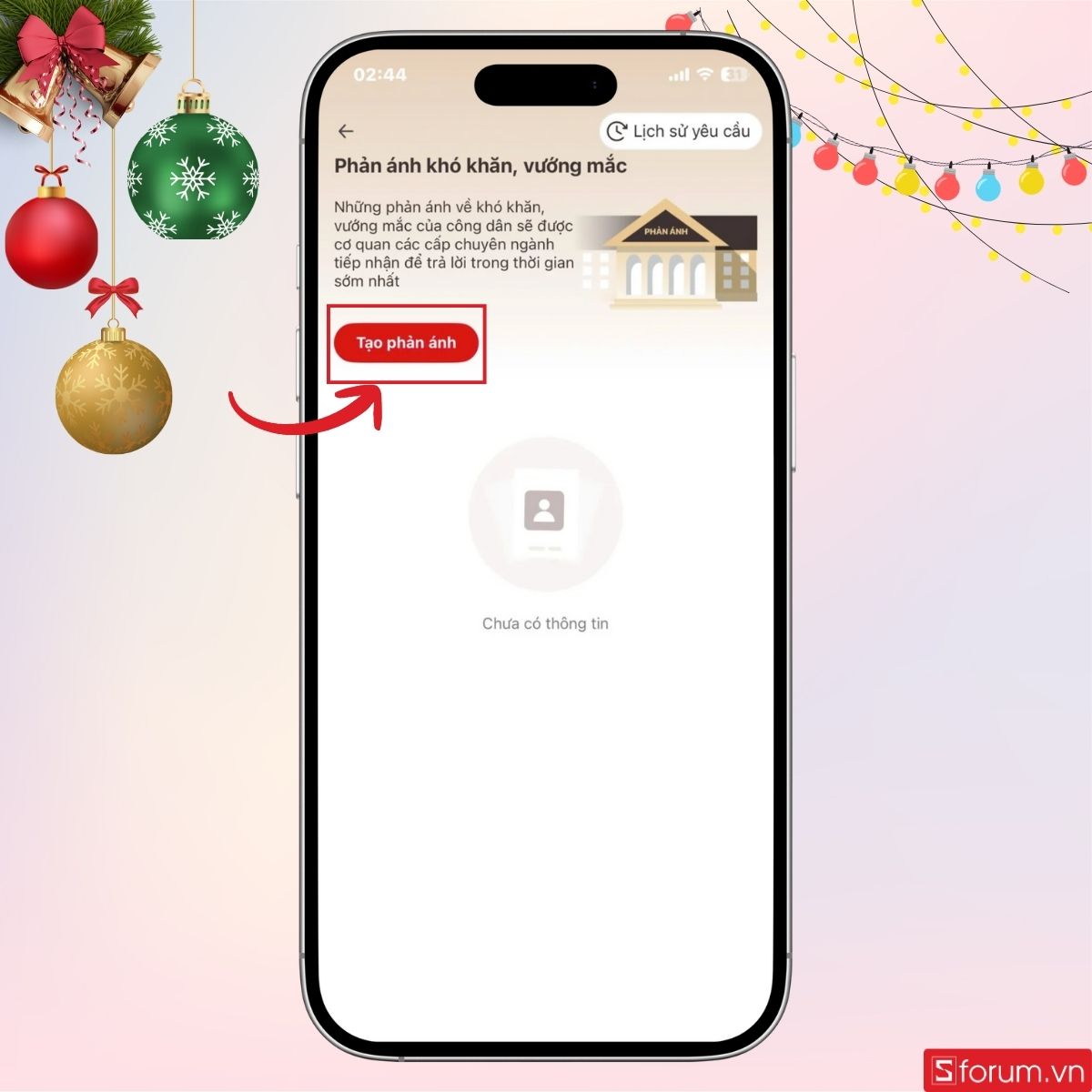
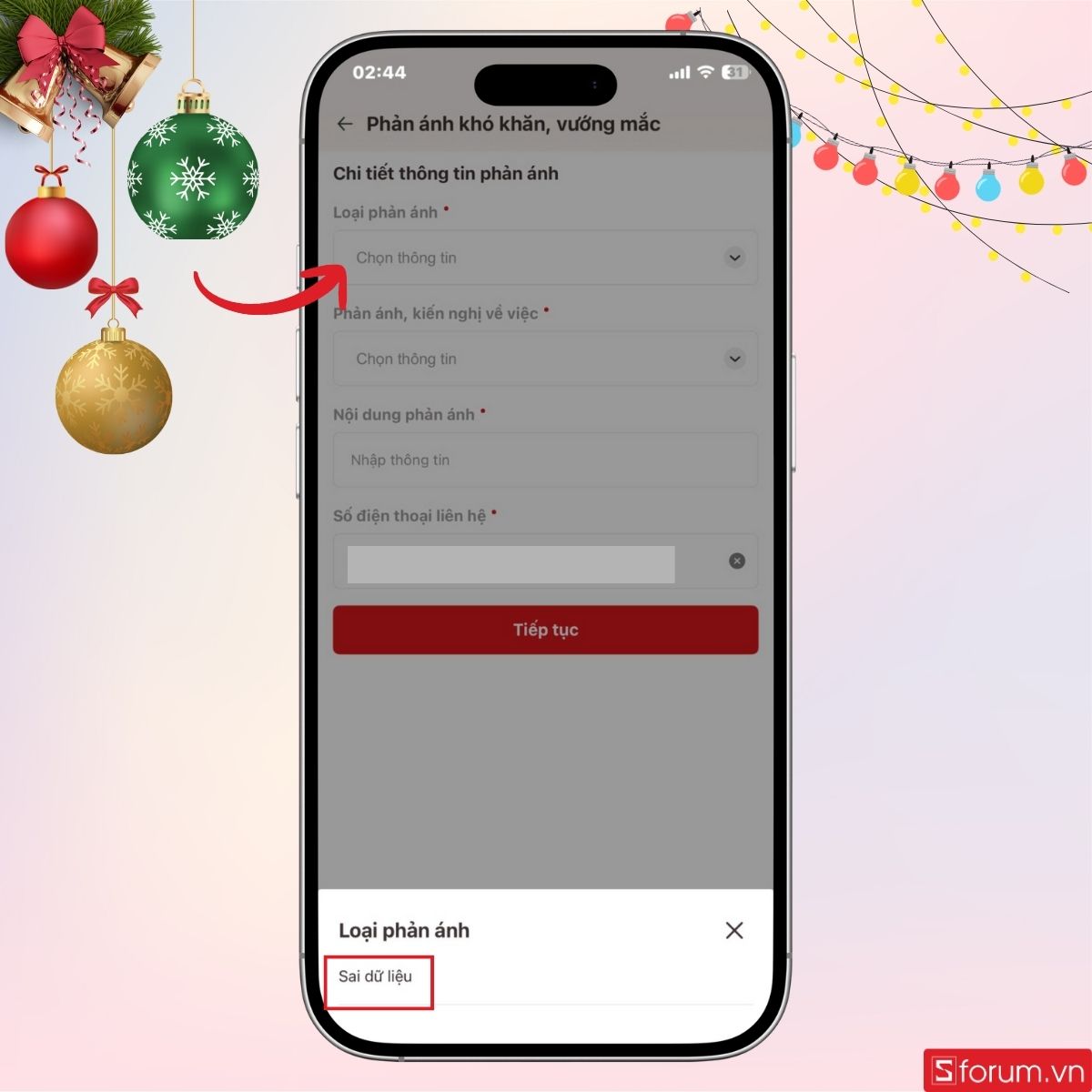
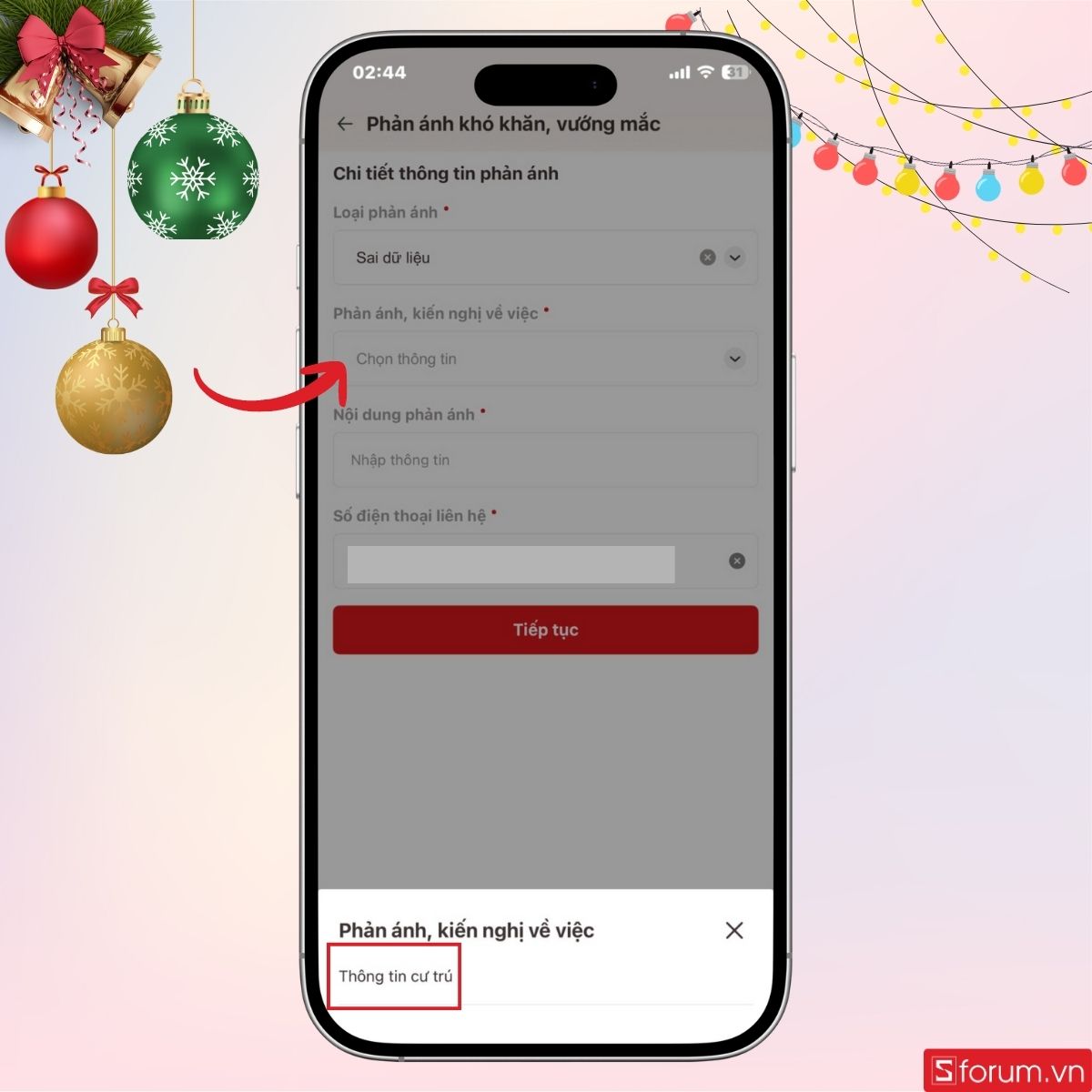
Step 3: Create feedback and choose type
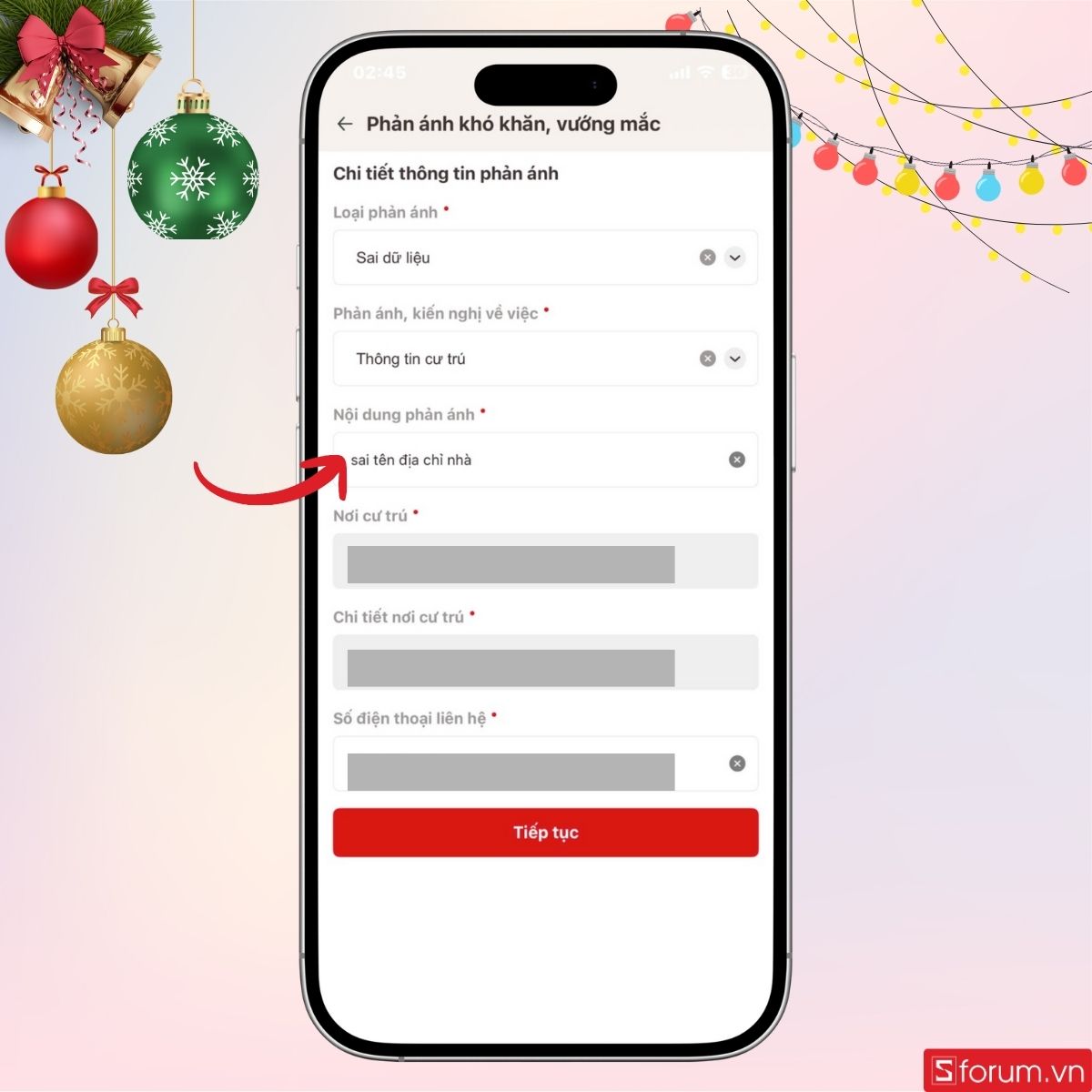
Tap Create feedback. Choose type “Incorrect data” and topic “Residence information”. Describe the error and the correct address.
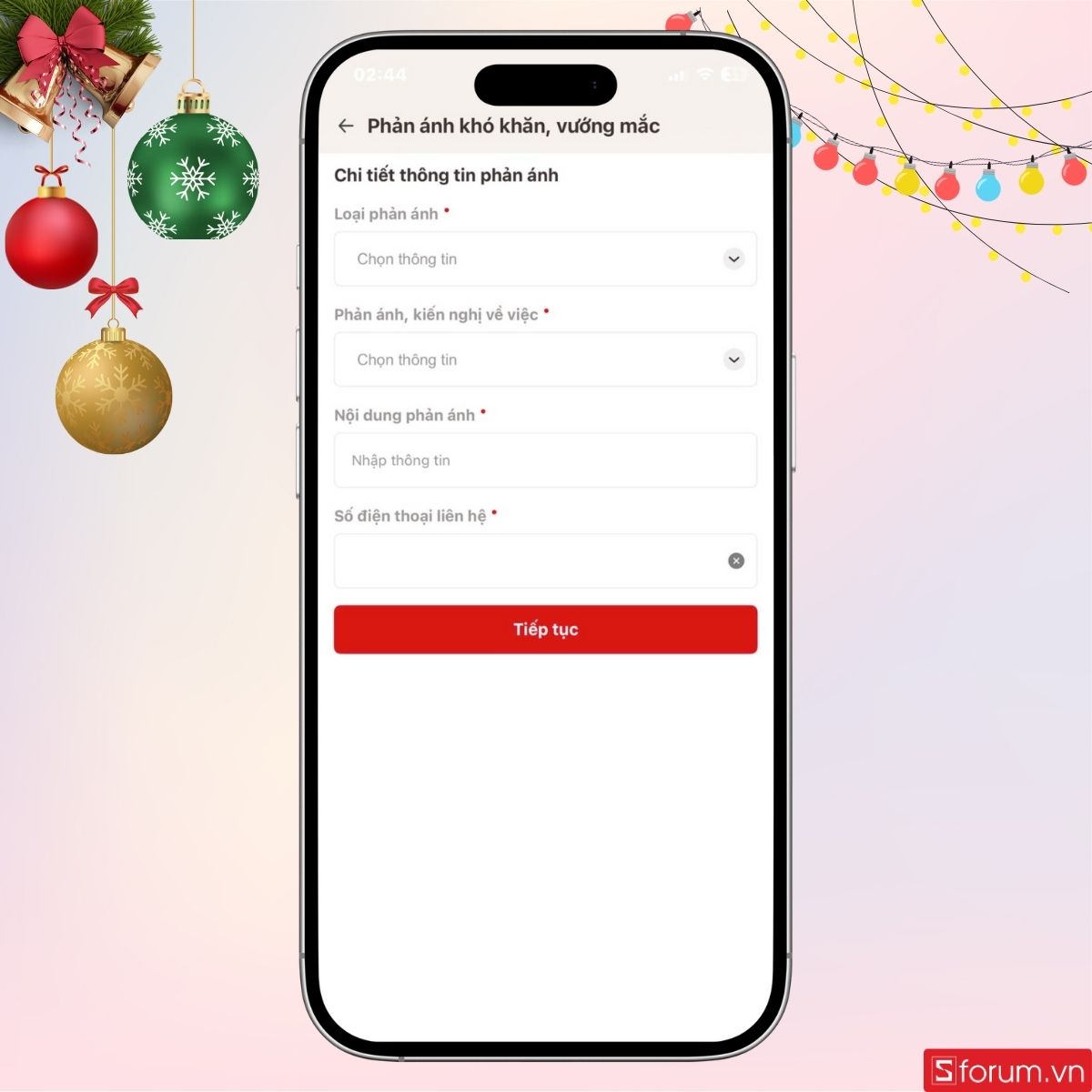
Step 4: Submit and wait
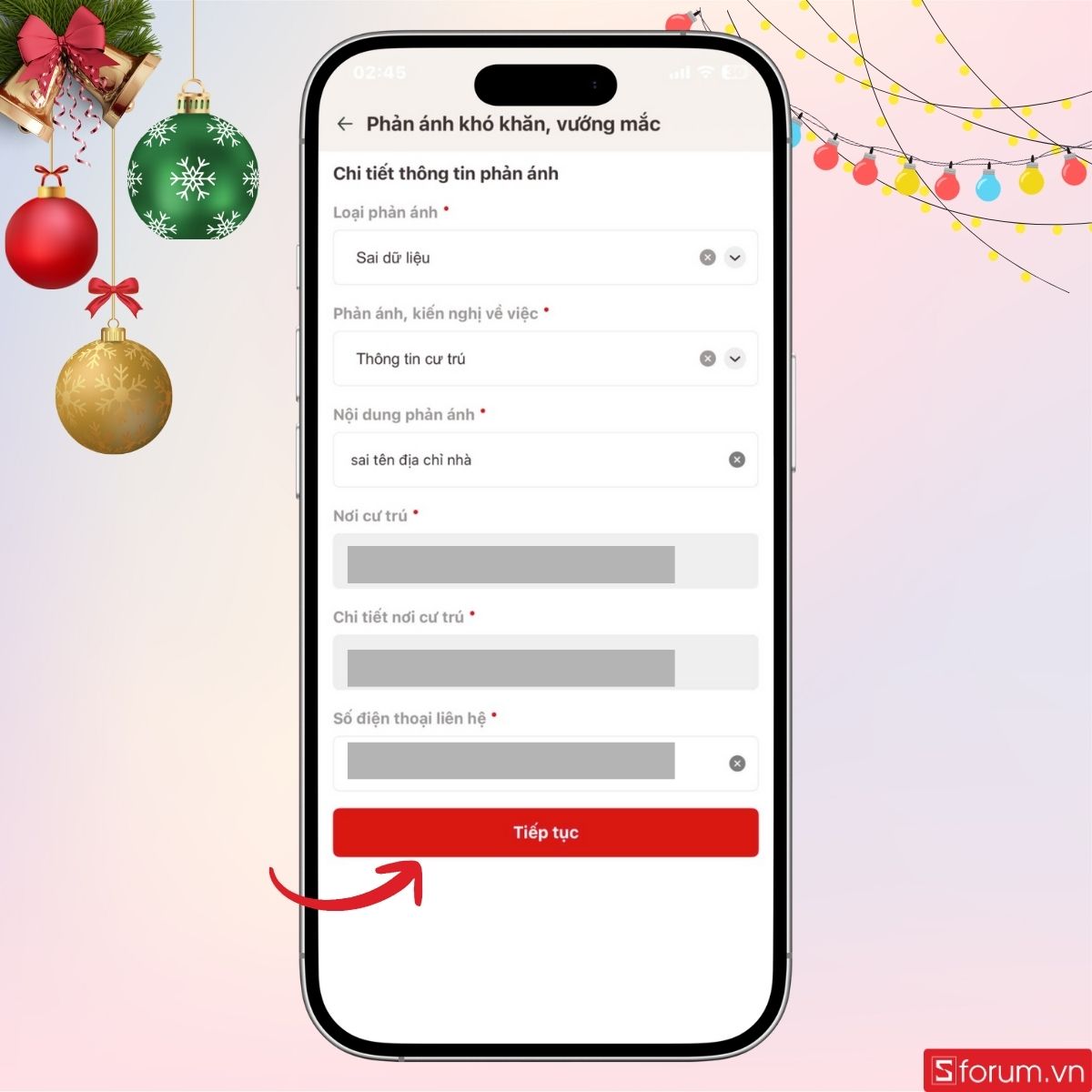
Confirm the content, tick the truth declaration, then submit. Local police will respond via VNeID.
3. Alternative: Visit the police in person
Bring your ID card and proof of residence (property papers, sale contract, etc.) so officers can check and update the data.
- Write the feedback clearly in detail.
- Use a Level-2 VNeID account.
- Watch app notifications for follow-up requests.