Online temporary-absence declaration helps citizens finish residence procedures faster without going to the police. You can do it on VNeID (Level-2 account) or the National Public Service Portal.

1. Declare temporary absence on VNeID
VNeID supports temporary-absence declaration for Level-2 accounts, so you can submit the file on your phone.
Step 1: Choose the procedure
On the home screen, select “Administrative procedures”, then “Temporary absence declaration”. Enter your passcode to continue.

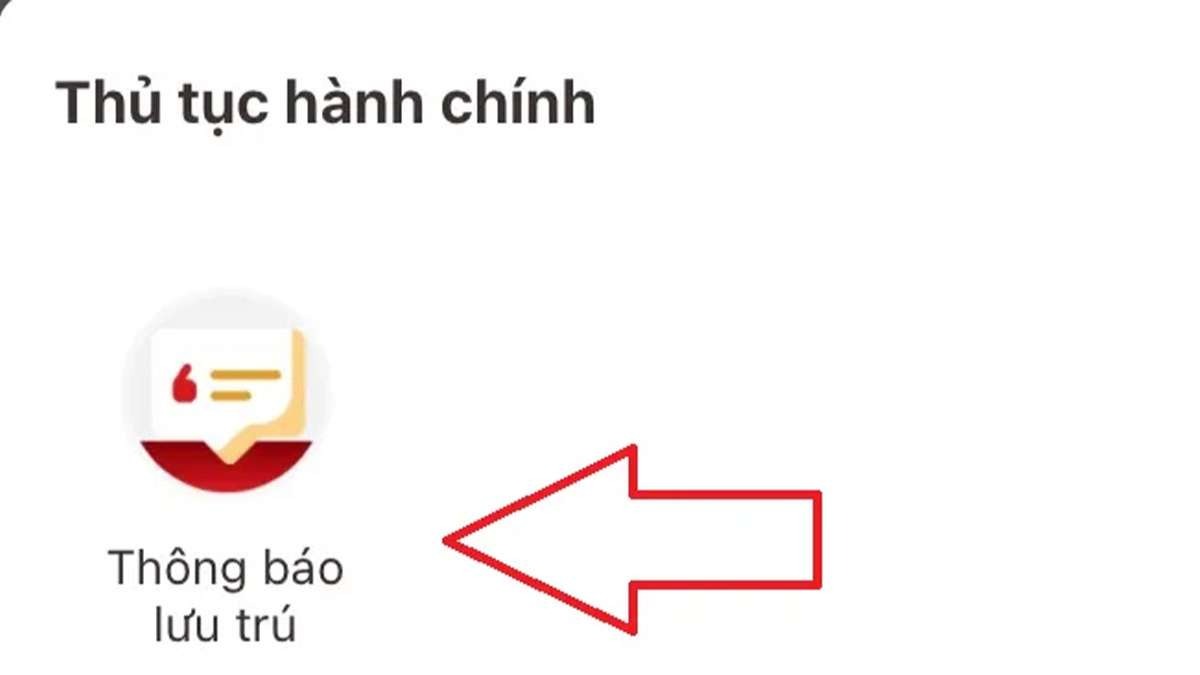
Step 2: Create a request
Tap “Create request” to start a new declaration file.

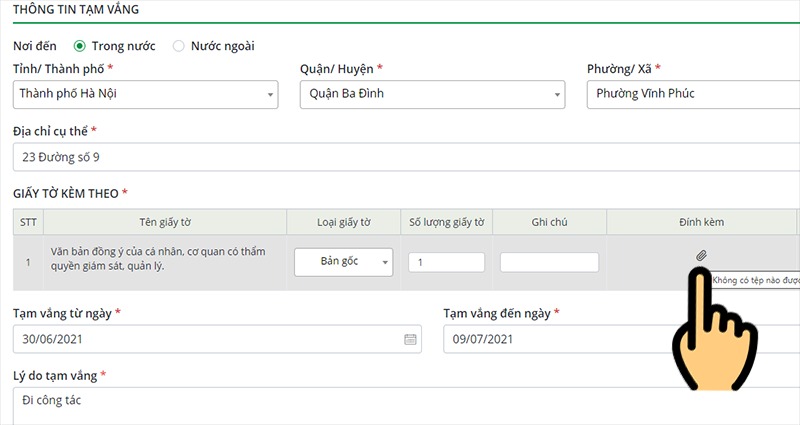
Step 3: Enter temporary-absence details
- Destination address
- Absence period (start–end dates)
- Reason for travel
All required fields must be completed.
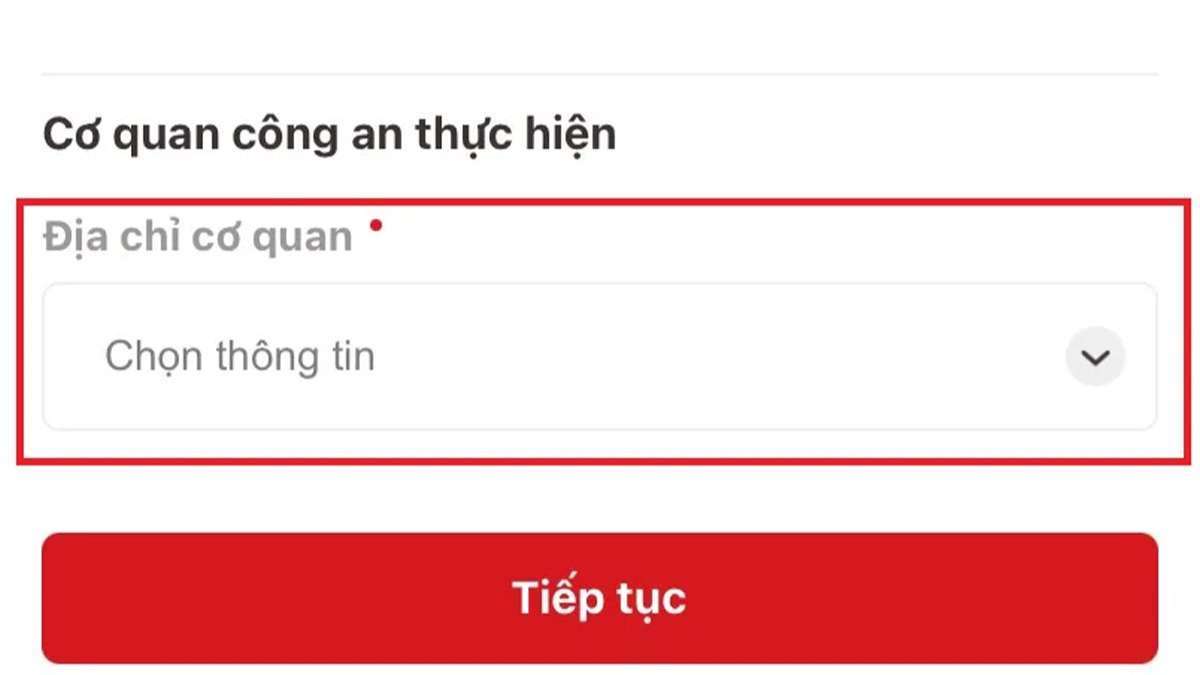
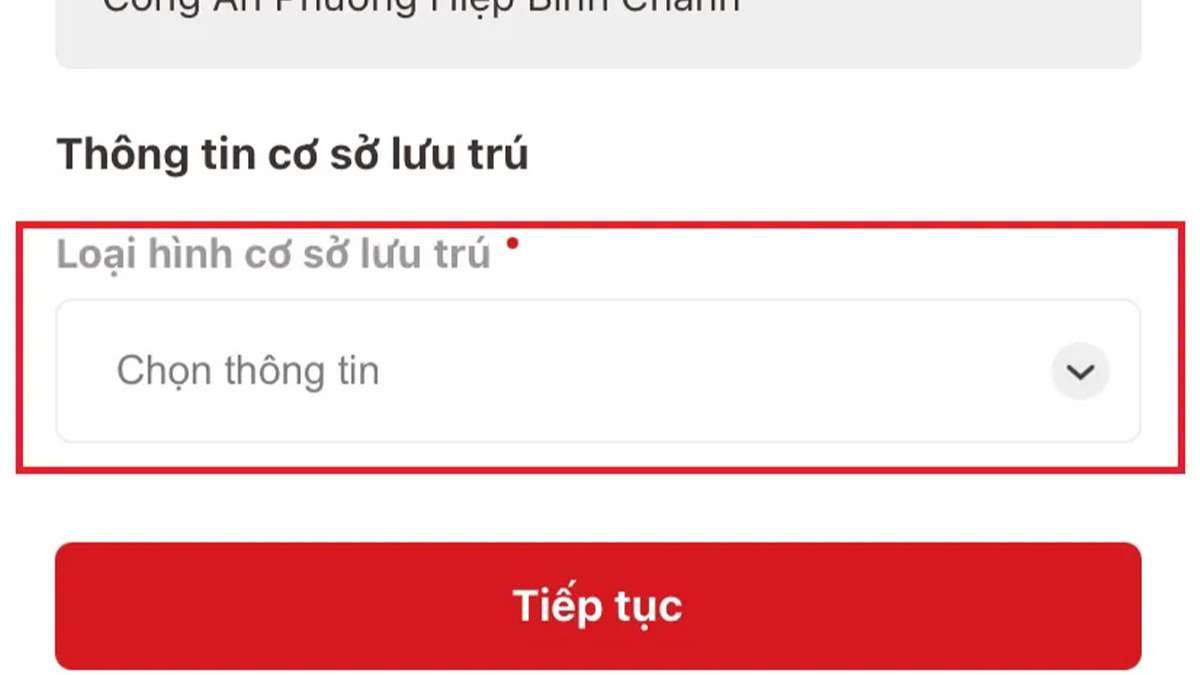
Step 4: Review and submit
Check the information, choose how to receive the result if asked, then submit. Track status in VNeID.
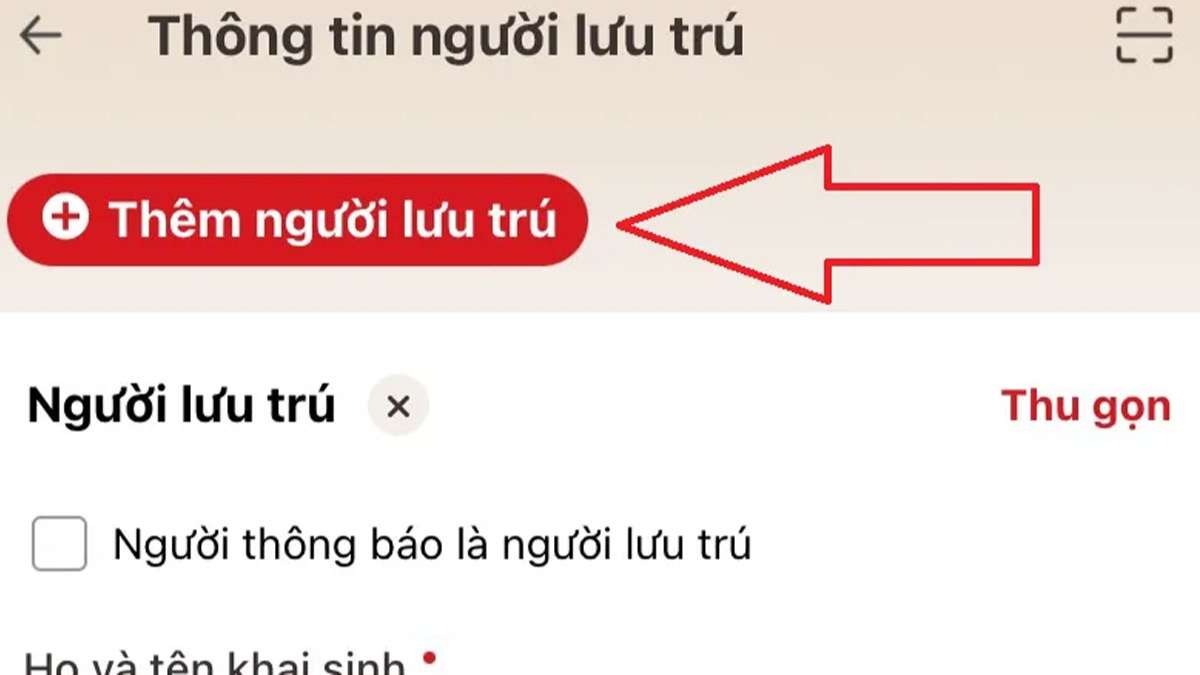
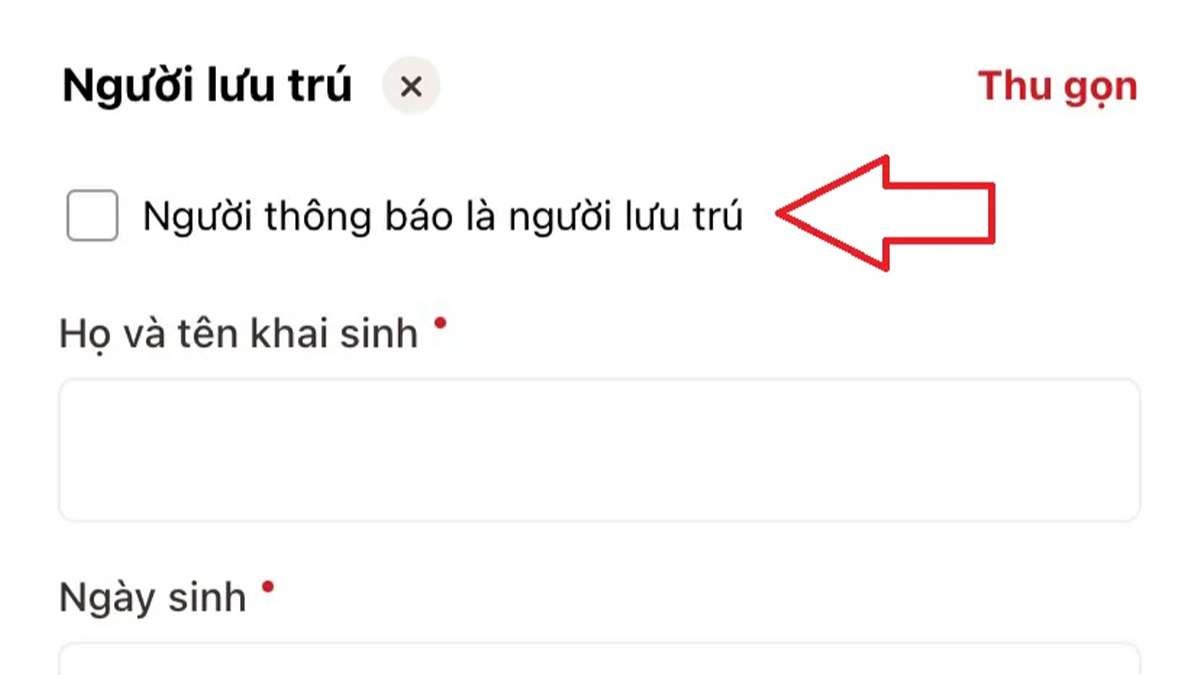
2. Via the National Public Service Portal
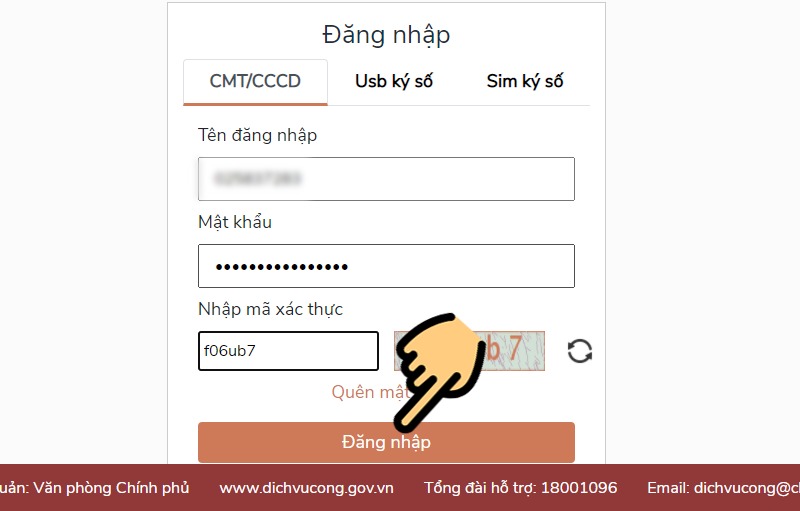
Step 1: Sign in
Sign in with your National Public Service Portal account (or register if needed).
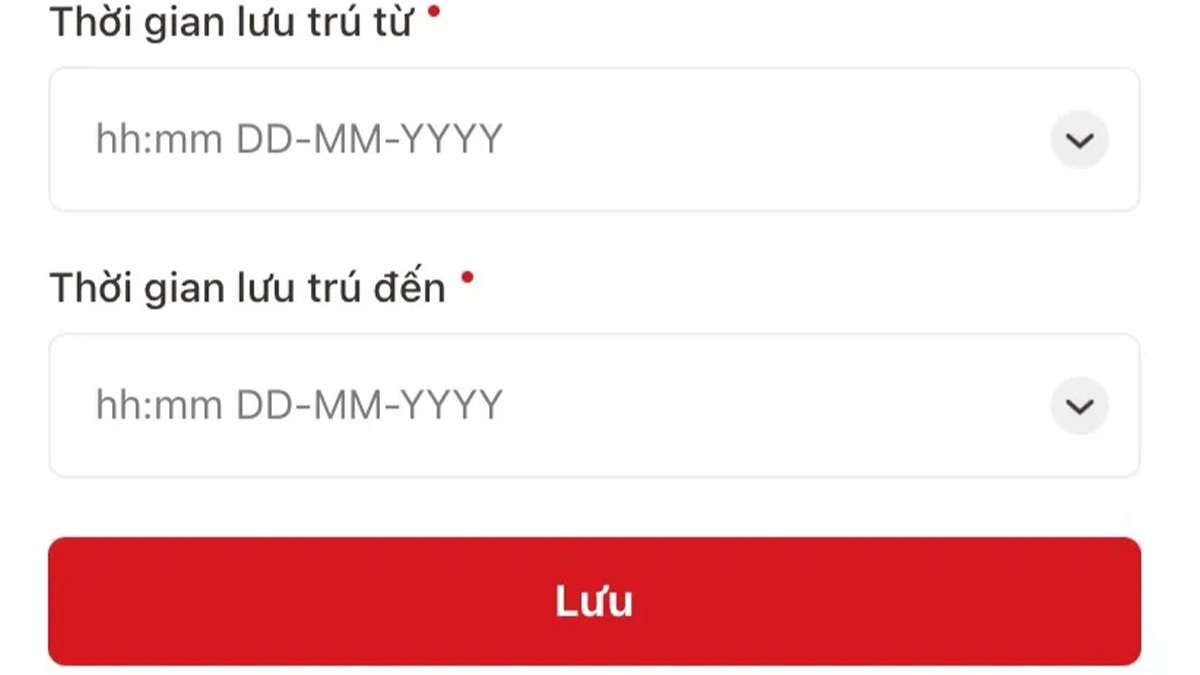
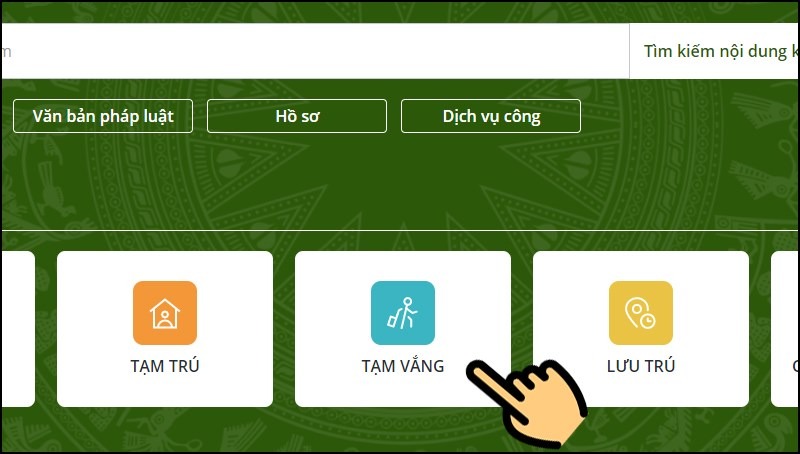
Step 2: Select Temporary absence
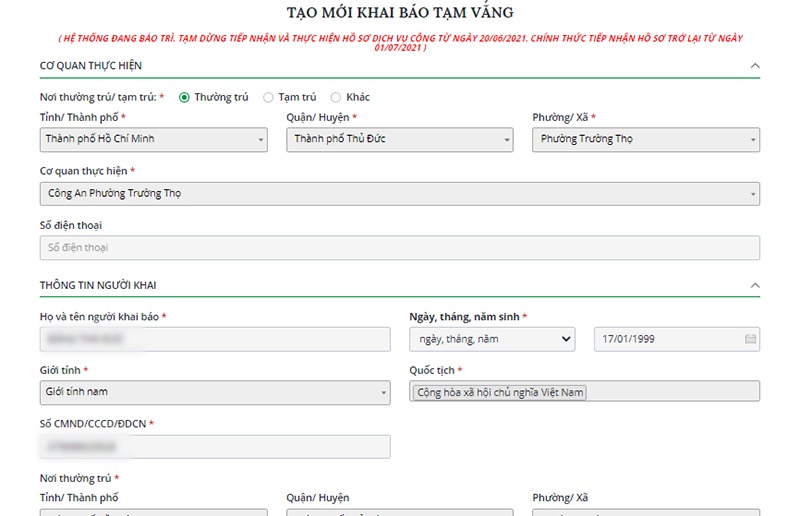
On the main screen, choose “Temporary absence” to open the online form.
Step 3: Fill in and submit
Enter destination (domestic/abroad), attach consent documents if required, choose result delivery, then tap “Save and send”.
3. FAQ
- Does online filing replace in-person submission? Yes — a successful VNeID/portal submission goes to the residence authority.
- Can I declare for a relative? Yes, if you have the required documents.